Looking to get started with IPTV Smarters pro but not sure how it works? This complete beginner guide will show you exactly how to use IPTV Smarters step by step. Whether you are using a Smart TV, Firestick, Android, or iPhone, IPTV Smarters is one of the best apps to stream live TV, movies, and series easily.
In this guide, you will learn how to install IPTV Smarters , how to login, and how to use all its features for the best streaming experience without buffering.
Key Takeaways
- IPTV Smarters is a powerful IPTV player for streaming live TV and VOD
- Works on Firestick, Smart TVs, Android, and iOS devices
- Supports M3U playlists and Xtream Codes login
- Easy to install and beginner-friendly
- Offers features like EPG, multi-screen, and parental control
What is IPTV Smarters Pro?
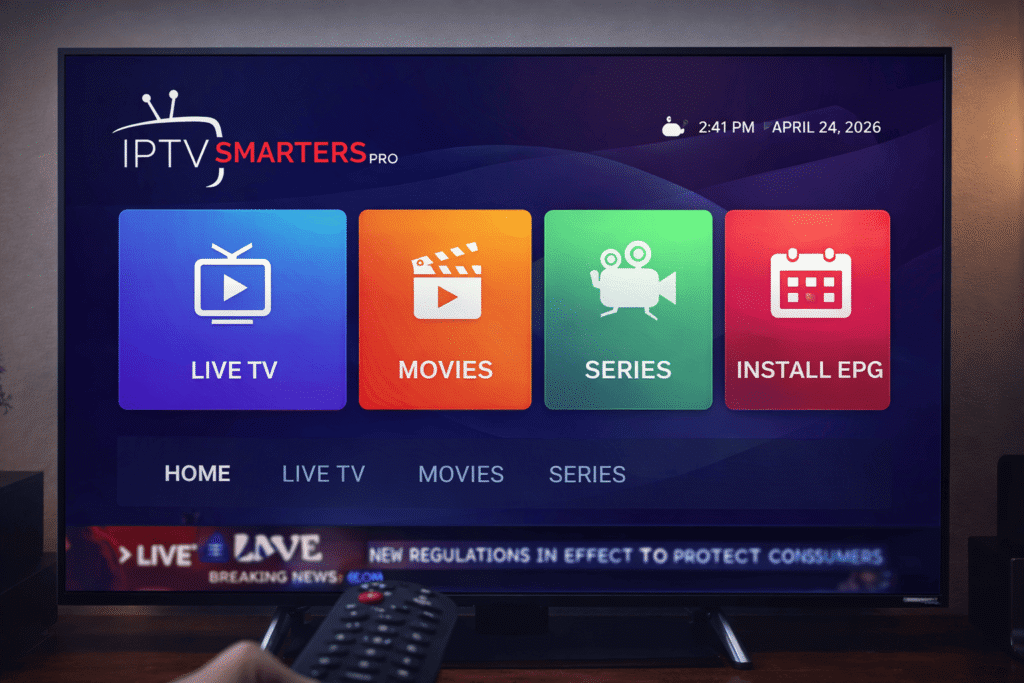
IPTV Smarters is a popular IPTV player that allows users to stream live TV, movies, and series using their IPTV subscription. It does not provide content itself but works as a media player where you can add your IPTV service using login details or an M3U playlist.
The app is widely used because of its modern interface, fast performance, and compatibility with multiple devices including Smart TVs, Firestick, Android, and iOS. IPTV Smarters is ideal for both beginners and advanced users who want a smooth streaming experience.
IPTV explanationHow to Install IPTV Smarters Pro
Install IPTV Smarters Pro on Android / Smart TV
- Open Google Play Store
- Search for IPTV Smarters
- Click Install
- Open the app after installation
Install IPTV Smarters Pro on Firestick
- Go to Settings on your Firestick
- Select My Fire TV then Developer Options
- Enable Apps from Unknown Sources
- Install the Downloader app
- Enter the IPTV Smarters APK URL
- Download and install the app
Install IPTV Smarters Pro on iPhone / iPad
- Open the App Store
- Search for IPTV Smarters
- Click Install
- Launch the app
How to Login and Use IPTV Smarters Pro
After installing IPTV Smarters , the next step is to log in using your IPTV subscription details. IPTV Smarters does not provide content, so you need login credentials from your IPTV provider to start streaming.
Login with Xtream Codes API (Recommended)
- Enter your username provided by your IPTV provider
- Enter your password
- Add the server URL (host)
- Click Login
Login with M3U Playlist
- Select “Load Your Playlist or File URL”
- Paste your M3U URL
- Click Add User
- Wait for channels to load
How to Use IPTV Smarters Pro Features
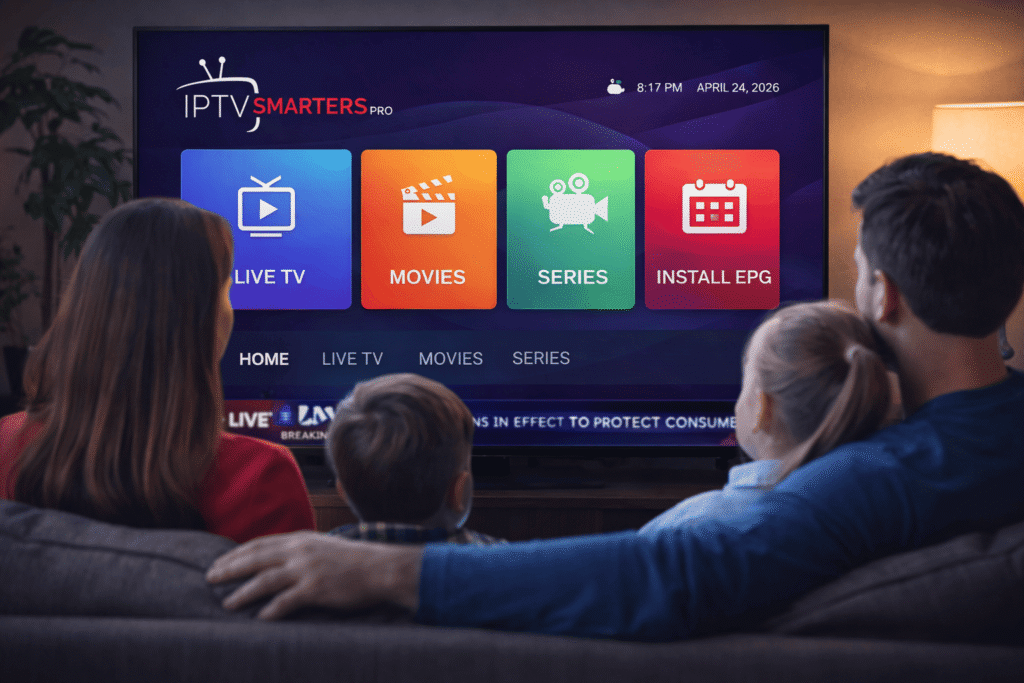
- Live TV – Watch live channels including sports and news
- Movies (VOD) – Access on-demand movies
- Series – Stream TV shows with episodes and seasons
- EPG (TV Guide) – View program schedules
- Multi-Screen – Watch multiple channels at the same time
Common Issues with IPTV Smarters Pro and Fixes
Common Issues with IPTV Smarters and Fixes
- Buffering Issues – Check your internet speed (minimum 20 Mbps recommended)
- Login Failed – Verify your username, password, and server URL
- App Crashing – Restart the app or reinstall IPTV Smarters Pro
- Channels Not Loading – Refresh your playlist or contact your IPTV provider
Common Issues with IPTV Smarters Pro and Fixes
Even though is a reliable app, some users may face issues like buffering or login errors. Here are the most common problems and how to fix them.
- Buffering Issues – Check your internet speed (minimum 20 Mbps recommended)
- Login Failed – Verify your username, password, and server URL
- App Crashing – Restart the app or reinstall IPTV Smarters
- Channels Not Loading – Refresh your playlist or contact your IPTV provider
FAQ – IPTV Smarters Pro
What is IPTV Smarters Pro?
IPTV Smarters Pro is an IPTV player that allows users to stream live TV, movies, and series using their IPTV subscription.
Is IPTV Smarters Pro free?
Yes, IPTV Smarters is free to download, but you need a paid IPTV subscription to access content.
Can I use IPTV Smarters Pro on Firestick?
Yes, IPTV Smarters works perfectly on Firestick and Android devices.
Do I need a VPN for IPTV Smarters Pro?
Using a VPN is recommended to protect your privacy and improve streaming performance.
Conclusion
IPTV Smarters is one of the best IPTV apps available in 2026. It is easy to install, simple to use, and packed with powerful features. Whether you are a beginner or an advanced user, IPTV Smarters makes streaming live TV, movies, and series easy and enjoyable.
By following this guide, you can quickly install IPTV Smarters Pro, log in with your IPTV subscription, and start watching your favorite content without any issues.