Are you facing IPTV playback errors while trying to watch your favorite channels? You’re not alone. Playback errors are one of the most common issues IPTV users experience, and they can interrupt your streaming at any time.
In this guide, we will show you how to fix IPTV playback errors step by step using simple and effective solutions. Whether you are using IPTV Smarters Pro, Firestick, Smart TV, Android, or iPhone, these fixes will help you restore your streaming quickly and enjoy a smooth experience.
Key Takeaways
- IPTV playback errors are common and usually easy to fix
- Most errors are caused by internet, app, or server issues
- Restarting your app or device can solve many playback problems
- Keeping your IPTV app updated helps avoid errors
- A stable internet connection is key for smooth playback
Why IPTV Playback Happen
Before learning how to fix IPTV playback errors, it is important to understand why these errors occur. IPTV playback can happen for several reasons, and identifying the cause helps you apply the right solution.
One of the main reasons is a slow or unstable internet connection. IPTV streaming requires a strong connection, and any interruption can cause playback errors.
Another common cause is server issues from your IPTV provider. If the server is overloaded or down, you may experience playback or channels not working.
Outdated IPTV apps, incorrect login details, or device-related problems can also lead to playback errors. In some cases, your internet provider may block IPTV services, which can interrupt playback.
Understanding these causes will help you fix IPTV playback errors faster and enjoy smooth streaming without interruptions.
You can check your internet speed using Speedtest by Ookla.
How to Fix IPTV Playback (Step-by-Step)
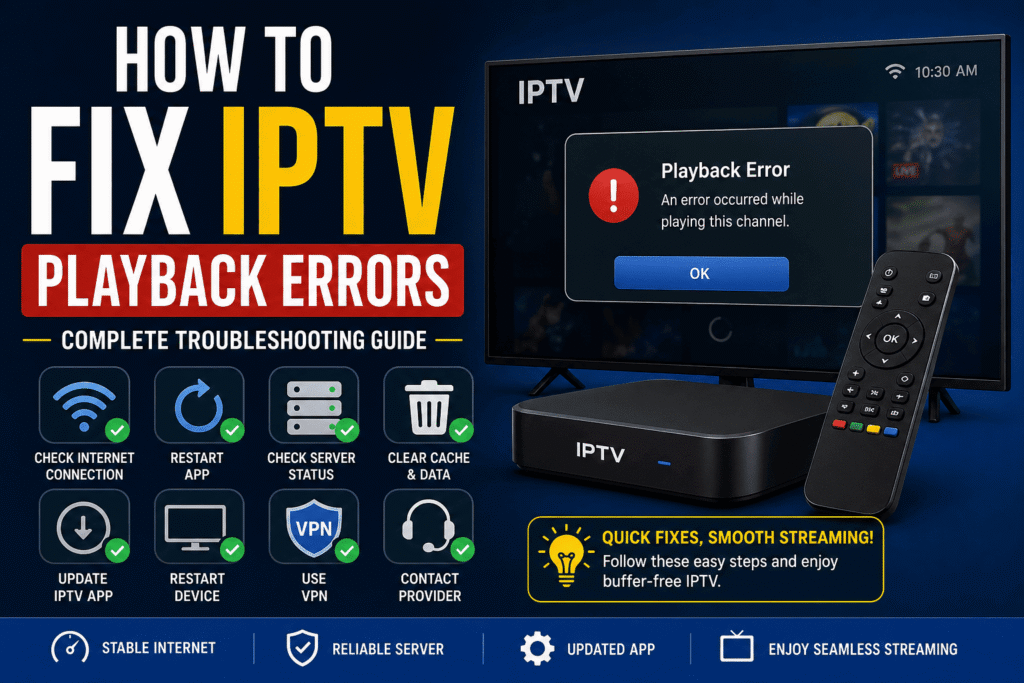
Follow these proven steps to fix IPTV playback errors and restore smooth streaming:
- Check Your Internet Connection
Make sure your internet is stable and fast. Restart your router if needed. - Restart Your IPTV App
Close the app completely and reopen it to refresh the connection. - Verify Login Details
Check your username, password, and server URL to ensure they are correct. - Clear App Cache
If you are using Android or Firestick, clear the app cache to remove temporary errors. - Update Your IPTV App
Make sure your app is updated to the latest version to avoid compatibility issues. - Restart Your Device
Reboot your Smart TV, Firestick, or mobile device to fix temporary glitches. - Use a VPN
If your ISP is blocking IPTV, using a VPN can help bypass restrictions. - Contact Your IPTV Provider
If the issue continues, the problem may be from the provider’s server.
If you are facing streaming issues, check our guide on How to Fix IPTV Channels Not Loading.
Tips to Prevent IPTV Playback
To avoid IPTV playback errors in the future, follow these simple tips:
- Use a high-speed internet connection (at least 15–25 Mbps)
- Prefer a wired connection instead of WiFi for better stability
- Keep your IPTV app updated to the latest version
- Avoid using too many devices on the same network
- Choose a reliable IPTV provider with stable servers
- Restart your device regularly to maintain performance
Following these tips will help you enjoy smooth streaming without interruptions.
Conclusion
IPTV playback errors can be frustrating, but in most cases they are easy to fix. By checking your internet connection, updating your app, and verifying your login details, you can quickly restore your streaming.
Following the steps in this guide will help you fix IPTV playback errors and enjoy smooth, uninterrupted streaming. Always use a reliable IPTV provider and maintain a stable connection for the best experience.
FAQ – IPTV Playback Errors
Why do IPTV playback errors happen?
IPTV playback errors usually happen due to slow internet, server issues, outdated apps, or incorrect login details.
How do I fix IPTV playback errors?
You can fix IPTV playback errors by restarting your app, checking your internet connection, clearing cache, or updating the app.
Does internet speed affect IPTV playback?
Yes, a slow or unstable internet connection can cause playback errors and buffering issues.
Can a VPN fix IPTV playback errors?
Yes, a VPN can help fix IPTV playback errors if your ISP is blocking or throttling IPTV traffic.