Are you experiencing buffering or poor streaming quality while using IPTV? Learning how to optimize IPTV settings for best performance can make a huge difference in your viewing experience.
In this guide, we will show you how to optimize IPTV settings step by step to reduce buffering, improve speed, and enjoy smooth streaming. Whether you are using IPTV Smarters Pro, Firestick, Smart TV, Android, or iPhone, these tips will help you get the best performance.
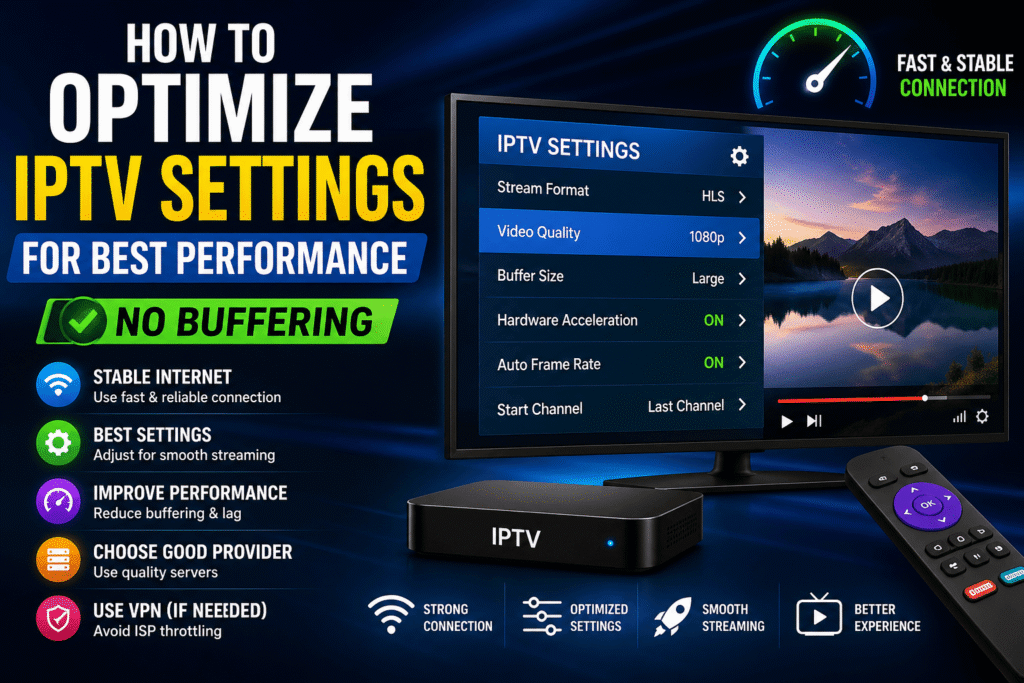
Key Takeaways
- Optimizing IPTV settings can significantly reduce buffering issues
- Internet speed and connection type play a major role in performance
- Proper app settings improve streaming stability
- Using a VPN can help avoid ISP throttling
- Regular updates and cache cleaning improve IPTV performance
Why IPTV Performance Issues Happen
Before learning how to optimize IPTV settings for best performance, it is important to understand why buffering and performance issues happen.
The most common cause is a slow or unstable internet connection. IPTV streaming requires consistent bandwidth, and any drop in speed can lead to buffering or lag.
Another reason is incorrect app settings. If your IPTV app is not configured properly, it may struggle to load channels efficiently. Device performance can also affect streaming, especially on older devices.
In some cases, your internet service provider (ISP) may limit IPTV traffic, causing slower speeds. Server quality from your IPTV provider also plays a big role in overall performance.
Understanding these causes will help you optimize IPTV settings correctly and enjoy smooth, buffer-free streaming.
If you are still facing buffering, check our guide on How to Fix IPTV Buffering Issues.
How to Optimize IPTV Settings for Best Performance (Step-by-Step)
Follow these proven steps to optimize IPTV settings and enjoy smooth, buffer-free streaming:
- Use a High-Speed Internet Connection
Make sure your internet speed is at least 15–25 Mbps for HD streaming and higher for 4K. - Switch to Wired Connection
Using an Ethernet cable instead of WiFi provides a more stable connection and reduces buffering. - Adjust Video Player Settings
Lower the video resolution if you experience buffering, or enable hardware decoding for better performance. - Clear App Cache Regularly
Clearing cache helps remove temporary data that may slow down your IPTV app. - Update Your IPTV App
Always use the latest version of your IPTV app to avoid bugs and improve performance. - Limit Background Apps
Close unused apps running in the background to free up device resources. - Use a VPN (If Needed)
A VPN can help avoid ISP throttling and improve streaming stability. - Choose a Reliable IPTV Provider
A high-quality provider with stable servers ensures better streaming performance.
You can test your internet speed using Speedtest by Ookla.
Extra Tips for Best IPTV Performance
To get the best results after you optimize IPTV settings, follow these extra tips:
- Restart your device regularly to keep performance smooth
- Avoid peak internet usage times when possible
- Use a modern device for better streaming performance
- Keep your IPTV app and device software updated
- Test different servers if your provider offers multiple options
These tips will help you maintain smooth streaming and avoid buffering issues in the long term.
Conclusion
Learning how to optimize IPTV settings for best performance can greatly improve your streaming experience. By adjusting your connection, updating your app, and using the right settings, you can reduce buffering and enjoy smooth playback.
Following the steps in this guide will help you get the most out of your IPTV service. Always use a reliable provider and maintain a stable internet connection for the best results.
FAQ – IPTV Performance Optimization
How do I optimize IPTV for better performance?
You can optimize IPTV performance by improving your internet connection, adjusting app settings, and keeping your app updated.
What internet speed is best for IPTV?
A minimum of 15–25 Mbps is recommended for HD streaming, while higher speeds are needed for 4K content.
Can a VPN improve IPTV performance?
Yes, a VPN can help avoid ISP throttling and improve streaming stability in some cases.
Why does IPTV keep buffering?
Buffering usually happens due to slow internet, poor settings, or unstable servers from your IPTV provider.